
From playing worlds to building their own
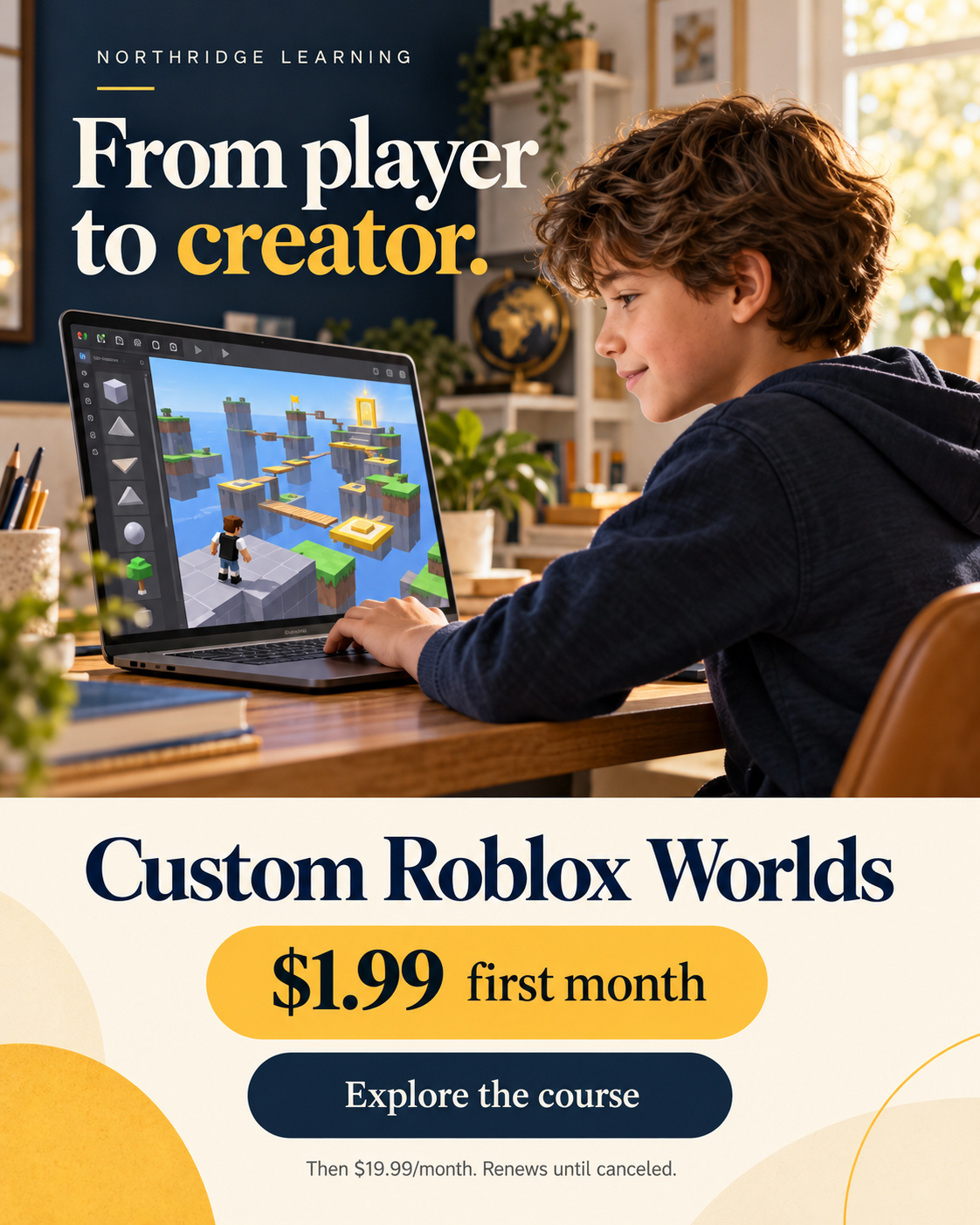
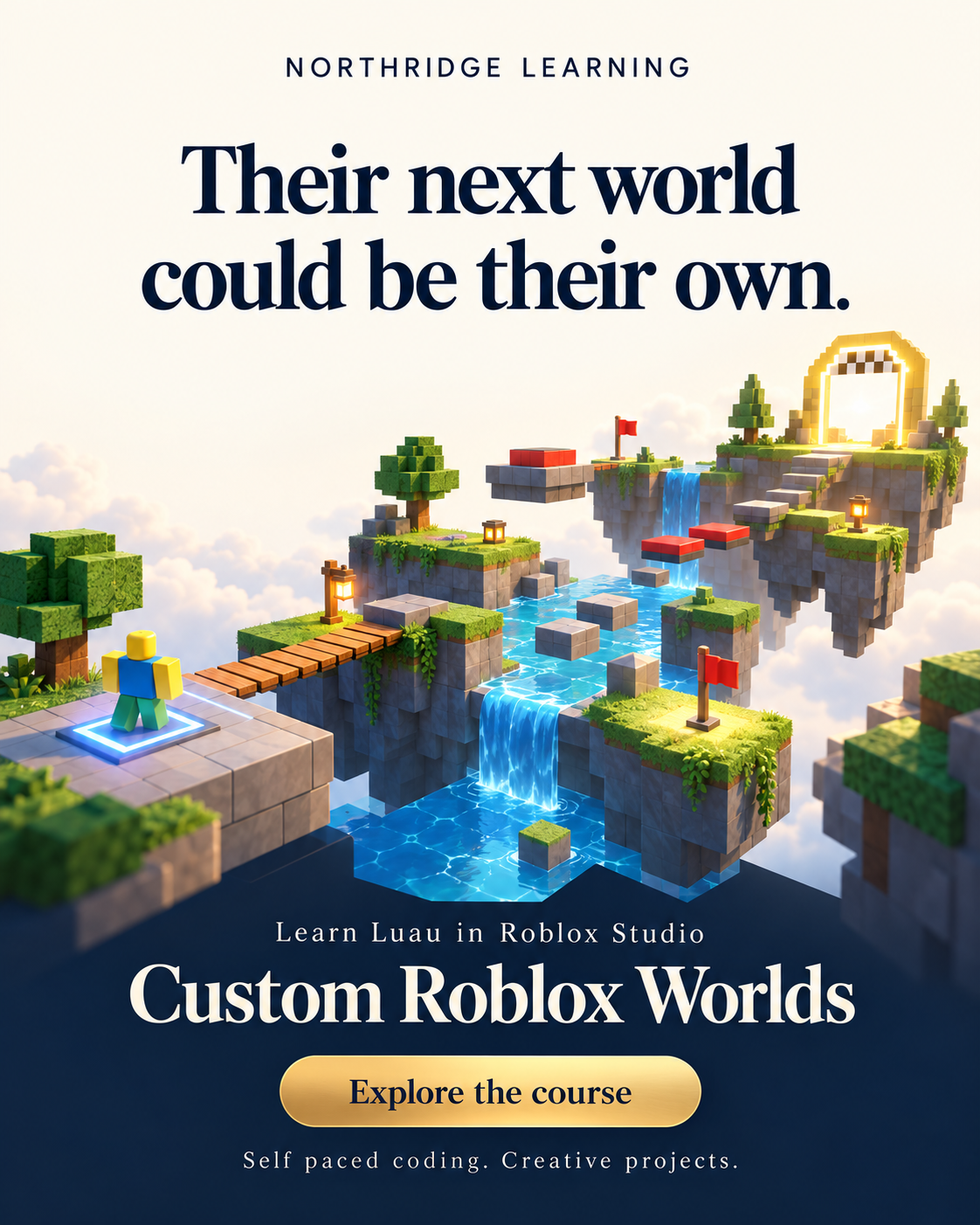
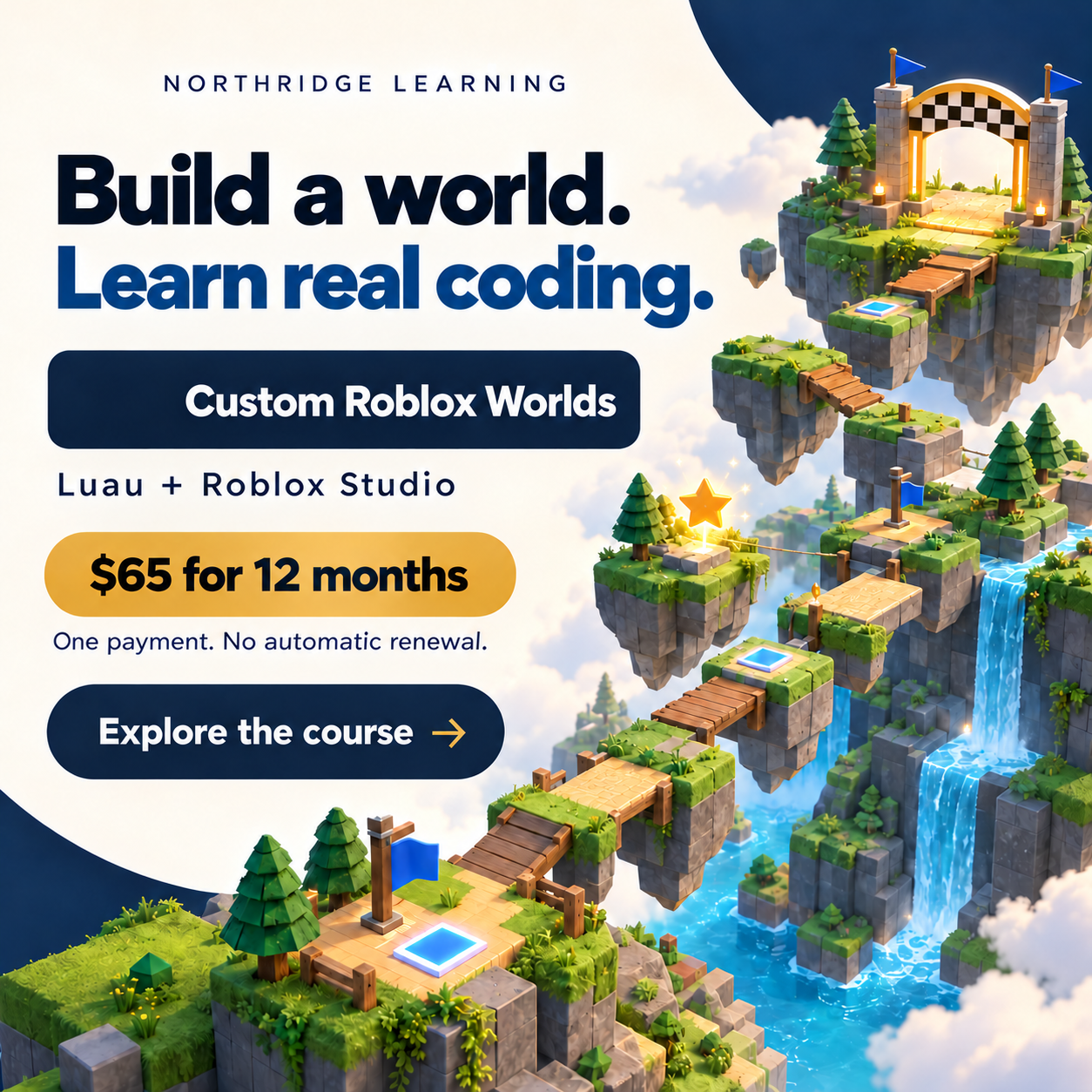
Learn Luau, explore Roblox Studio and build a game world one creative step at a time. Bring an obstacle course, checkpoints and power ups to life.
 Build in Roblox Studio
 LuauLearn real coding
Who it is for
Curious learners who want to understand how games work and begin creating their own. A parent can help with setup while students work through the course at their own pace.
Included with this product
- Ten modules covering Luau and Roblox Studio
- Variables, functions, loops and conditions
- An obstacle course with checkpoints and power ups
- Interactive characters, terrain, water and a winning finish
How it works
Start with coding ideas, explanations and practice to help the concepts click.
Use Roblox Studio to create challenges and script what happens in your world.
Add characters, power ups and finishing touches as your confidence grows.
Questions before you buy
Is this just playing Roblox?
The focus is creating. Students learn Luau and use Roblox Studio to build and script a world with interactive challenges and effects.
Can my child work at their own pace?
Yes. Students can work through lessons and return to material during their access period. Personal tutoring is not included.
What does the course cover?
Luau foundations; Studio setup and world planning; building and scripting an obstacle course; checkpoints and winning; power ups; tools and weapons; NPCs; ice and terrain; water and oxygen; and final city polish.
What do we need to get started?
Your child will need a free Roblox account and a Windows or Mac computer that can run Roblox Studio.
- Operating system: Windows 10 or 11, or macOS 10.14 or newer.
- Memory (RAM): 3 GB minimum, with 8 GB recommended.
- Software: Roblox Studio, available as a free download.
A parent can help create the account and install Roblox Studio before the first lesson.
When can we enroll?
Enrollment is open now. Choose monthly access or pay once for 12 months. After payment, Northridge staff enroll your student and email course access details to the email you use at checkout.
Choose your access
Monthly access
Then $19.99 per month. Monthly access renews until canceled.
Start monthly access →Full purchase
12 months of Custom Roblox Worlds access for one student. No automatic renewal.
Buy 12 months of access →One payment · No automatic renewalAfter payment, Northridge staff enroll your student and email course access details to your checkout email. Use the same email as your parent account to keep your order connected.
From player to creator
Roblox, Roblox Studio and Luau are trademarks of Roblox Corporation. This independent course is offered by Northridge Learning and is not affiliated with or endorsed by Roblox Corporation. Lifestyle imagery is illustrative.